The Hook EM Smart Home package pairs a Google Nest thermostat with a Google Nest doorbell. Control heating and cooling from anywhere in the world, and see the front door in the same Google Home app.
Google Nest thermostat — heat and cool from your phone, anywhere
Google Nest doorbell — live view, alerts, and talk-to-the-door
Wired and set up on the new system, not left in the box
App walk-through before we leave so you can run it from the driveway
Ask for the Smart Home package on your free 1-hour new-install consult. We mount the Nest thermostat on the system we just set, hang the Nest doorbell, and connect both to your Google Home account. You leave able to change the temperature from another continent and see who is at the door.
The Hook EM Smart Home package combines a Google Nest thermostat and a Google Nest doorbell with a new HVAC installation. The goal is to leave you with working controls and an app walk-through, with the equipment and setup agreed during the consultation.
Check the thermostat fit
Thermostat compatibility depends on the HVAC controls and wiring as well as the Nest model selected. Some systems need a common wire or a compatible power accessory. Discuss the new system and any zoning controls before the thermostat option is finalized.
Plan the doorbell installation
Discuss the doorbell location, selected model, installation requirements, and the Wi-Fi connection used by the devices. Share any preferences about existing equipment so the package scope is clear before installation.
Learn the app and controls
The package includes setup and an app walk-through. Ask how to change the temperature, manage thermostat settings, view the doorbell, and adjust notifications. Internet-dependent features rely on the home connection and account setup; optional subscriptions or service charges should be confirmed for the selected devices.
From booking to your next step
Step 1
Request the package at consultation
Discuss the thermostat and doorbell with your new HVAC system options during the free consultation.
Step 2
Confirm compatibility and scope
Review device models, wiring and placement requirements, and the package price or applicable offer.
Step 3
Setup and walk-through
The devices are installed and connected, followed by a review of the app and everyday controls.
Before your visit
Be available for account and app setup and have access to your home Wi-Fi. Enter your own passwords during setup. Tell us whether you already use Nest devices or have multiple thermostat zones.
What’s in the package
On the wall, and on your phone
On every new install we can add a Google Nest thermostat and a Google Nest doorbell — one Google Home app, from the couch or from another country.
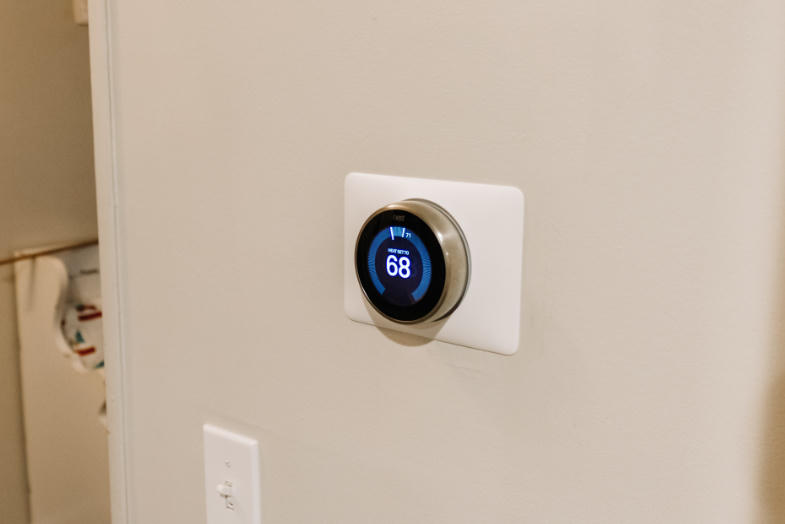
Google Nest Thermostat
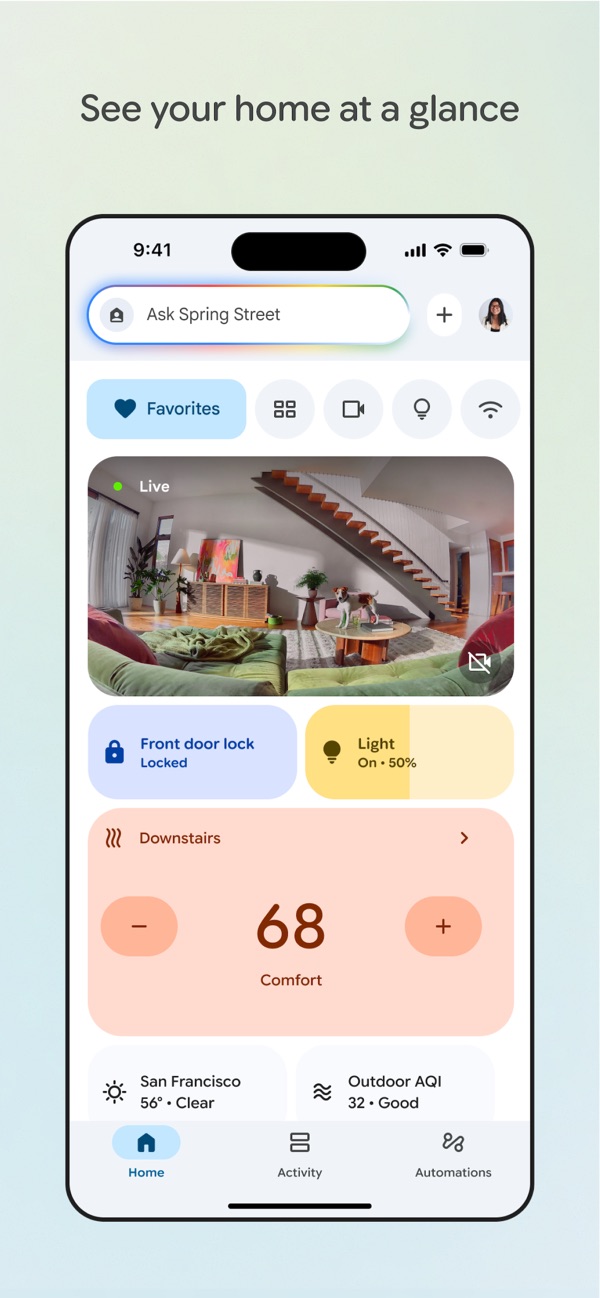
Change heat and cool from your phone. Austin, the airport, or the other side of the world — the system follows the app.
In the app: tap + or − and the house follows.
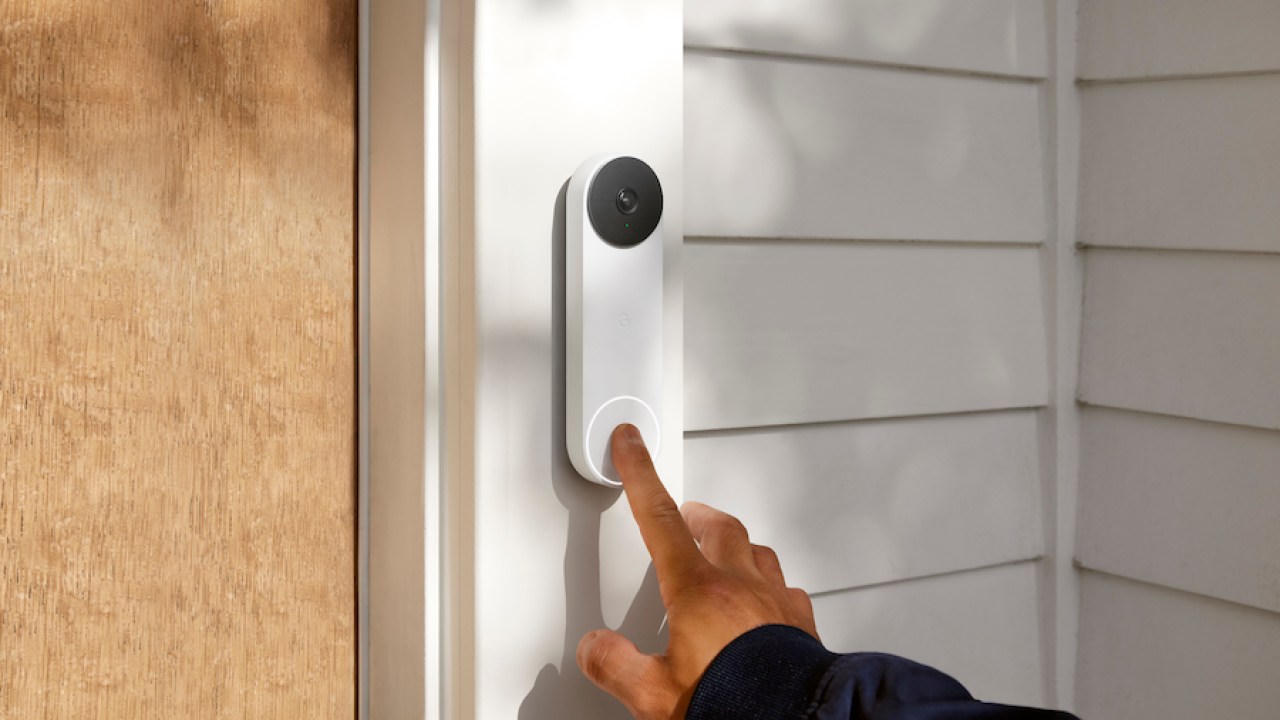
Google Nest Doorbell
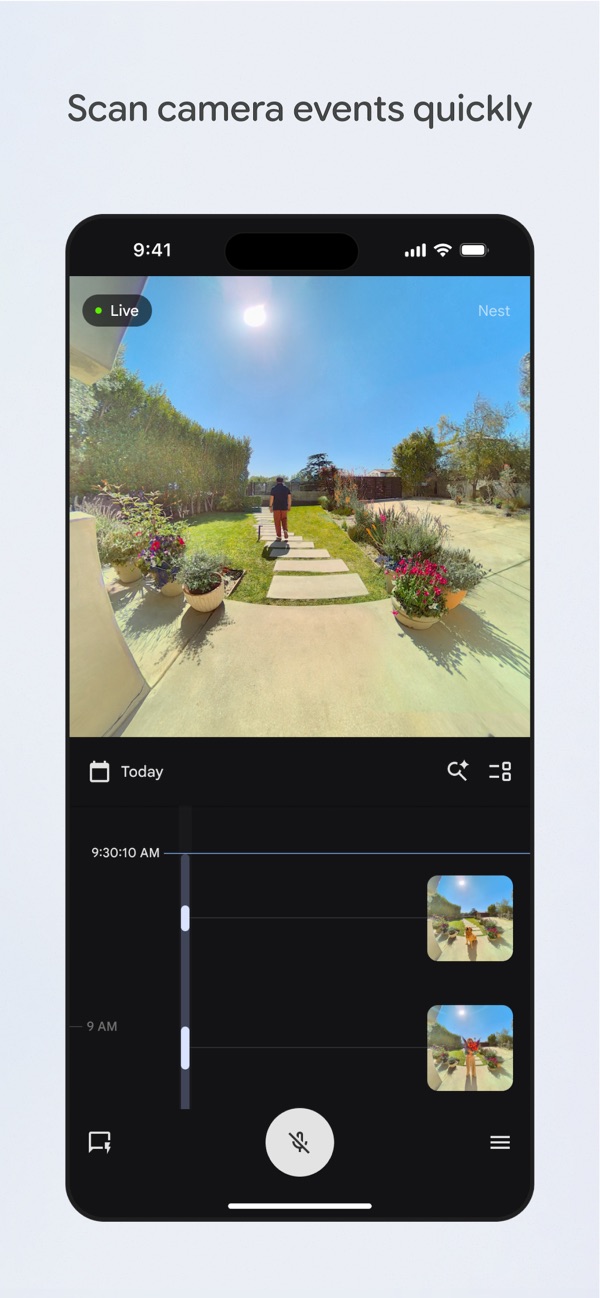
See the porch, talk to the door, and get alerts in the same Google Home app as the thermostat.
In the app: live view, talk back, and every ring saved.
Product photos and app screens from Google. Google, Google Home and Nest are trademarks of Google LLC.
Smart Home Package questions
Is every HVAC system compatible with every Nest thermostat?
No. Compatibility depends on the thermostat model, HVAC controls, and wiring. The selected equipment needs to be checked before installation.
Is the Smart Home package a full HVAC system?
No. It is a thermostat and doorbell package offered with new HVAC installation. The HVAC equipment and package scope are confirmed in the installation quote.
Can I ask about this package during my installation consultation?
Yes. Tell us you want the Smart Home package when booking the free consultation so the devices, setup, and pricing can be discussed with your system options.